
Content
- Overview
- Pre-conditions
- Steps to Control Access
- Supplementary Information
- Notes
Overview
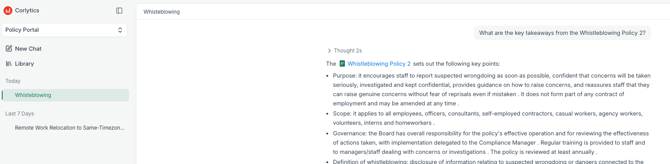
AI Chat lets you ask natural-language questions about published documents available to you on the Policy Portal. Answers build progressively and include citations so you can check the supporting passages while keeping the conversation open.
Pre-conditions
- AI Chat is disabled at a platform level by default.
- Your administrator must enable AI Chat in Platform Configuration and select you for access.
- You must have access to the published Portal documents used in your question. Documents outside your permissions are never used.
Steps
Create a new Chat
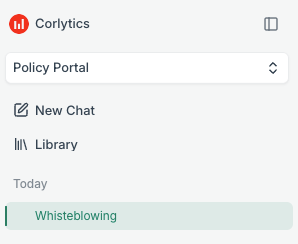
- Navigate to the AI Chat tab on the Policy Portal module.
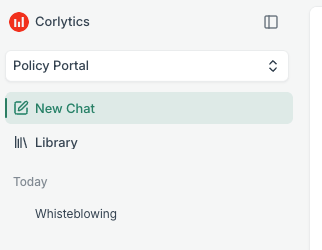
- Start a chat or select a recent chat from your history.
- Enter your question.
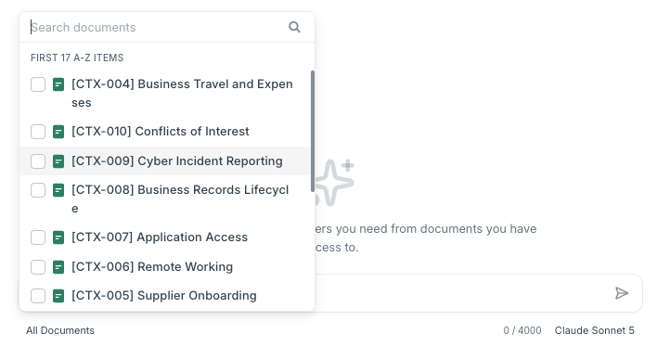
- Leave the question scoped to all accessible documents, or select specific documents using an @ mention or the document picker.
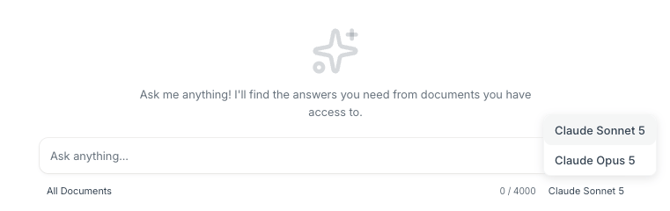
- If your organisation has more than one model enabled, select an available model in the composer.
- Submit the question and follow the response as it streams.

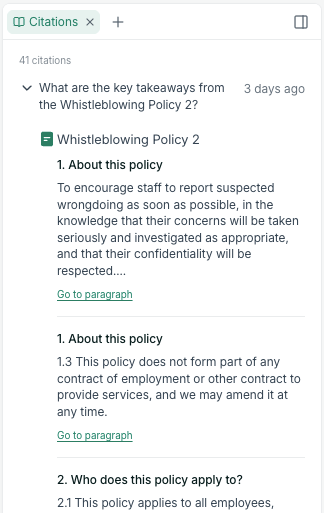
- Select a citation badge to inspect the exact supporting snippet.
- Open the cited source or linked document to review the full policy in a tab in the right-hand panel.
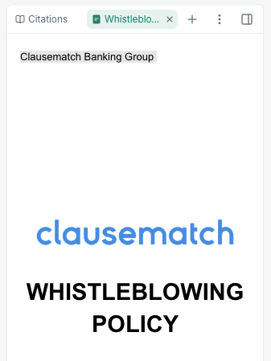
- Check the highlighted paragraph and surrounding wording before acting on the answer.
Continue or improve a Chat
- Choose a conversation from the history groups:
- Today
- Yesterday
- Last 7 days
- Last 30 days
- Ask a follow-up question or refine your original question.
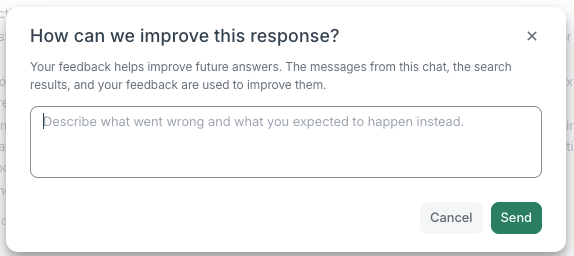
- Use the dislike action beneath an unhelpful answer and, where possible, add a short comment for the product team.
- Copy an answer if you need to use it elsewhere, after checking its sources.
Supplementary Information
Verify Sources
Citation badges identify the source snippets supporting statements in an answer. A source document opens beside the conversation, with its cited paragraph highlighted. Keep the conversation visible while switching among source-document tabs to compare policies. The full policy is available in one scrollable view rather than being loaded page by page.
The document panel is read-only. It has no table of contents or in-content search. Source-document tabs are not restored after you leave AI Chat and return. A citation opens the version used to generate the answer; where no version is supplied, the latest published version opens.
Access and History
Answers are based only on your accessible published documents, so different users can receive different answers to the same question. Conversations are private to your account and are not visible to other users. Saved history lets you resume recent chats.
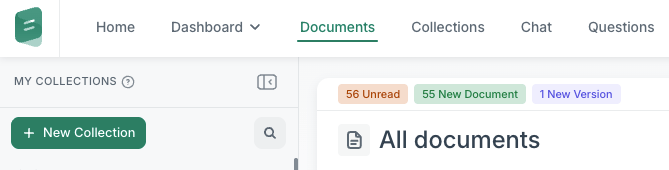
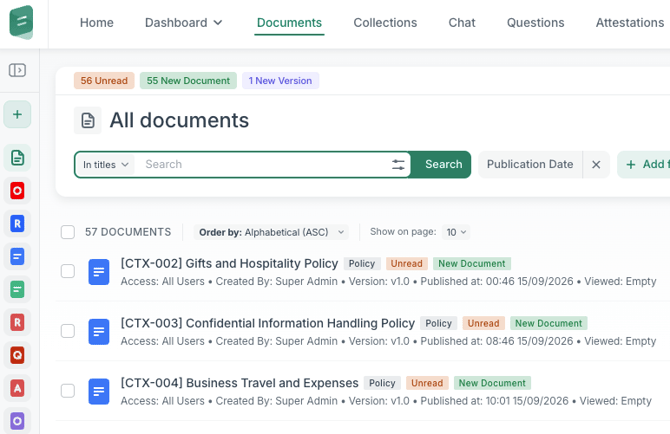
The existing document experience remains available through the Library link.
Built-in AI Chat is distinct from conventional Portal search, ordinary Questions and Answers, and searching the Portal from an external MCP assistant. MCP Portal search is keyword-based and uses the latest published versions within the connected user's audience; it is not the built-in Chat experience.
Models, data and governance
The model selector is hidden when only one model is enabled. Models for the built-in AI capabilities are hosted on AWS within the dedicated Clausematch environment that holds your data; model selection and quality are being calibrated during the Beta phase.
Documents, prompts and questions for this built-in capability are processed within that environment rather than sent to an external public AI service. Client data is not used to train AI models, and the model provider does not receive or access it. The AI does not have direct database access: inputs and outputs pass through internal application-controlled APIs, with safeguards against prompt injection and unsafe content.
Corlytics' AI Management System is certified to ISO/IEC 42001, and the platform is ISO 27001 certified. These assurances describe built-in AI Chat, not an external assistant connected through MCP, whose handling of received content depends on your organisation's agreement with its provider.
Notes
- AI responses can be incomplete or imprecise. Treat them as a starting point, not as a substitute for the source policy or an authorised decision.
- If AI Chat is disabled or your access is removed, the Chat route is unavailable. Your next request in an existing session redirects you to Policy Portal Documents.
- Beta answer quality, model choice and usage limits are still being calibrated. Report unclear results and restrictions through the available feedback action within the AI Chat.