
Contents
- Pre-conditions
- Overview
- Notes
Pre-conditions
- Your platform administrators must have configured the platform to allow multiple languages for end users.
Overview
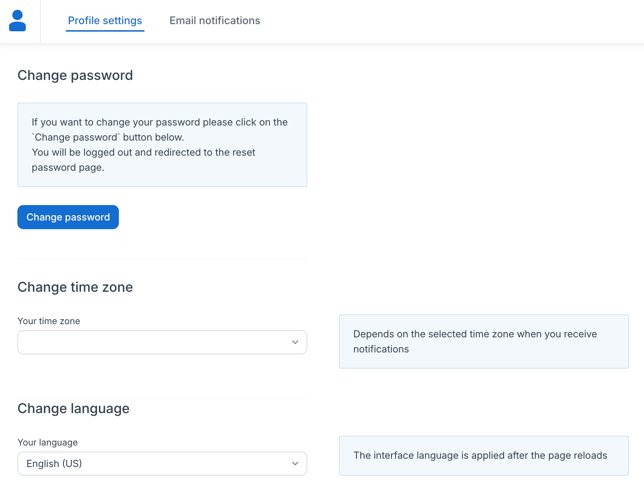
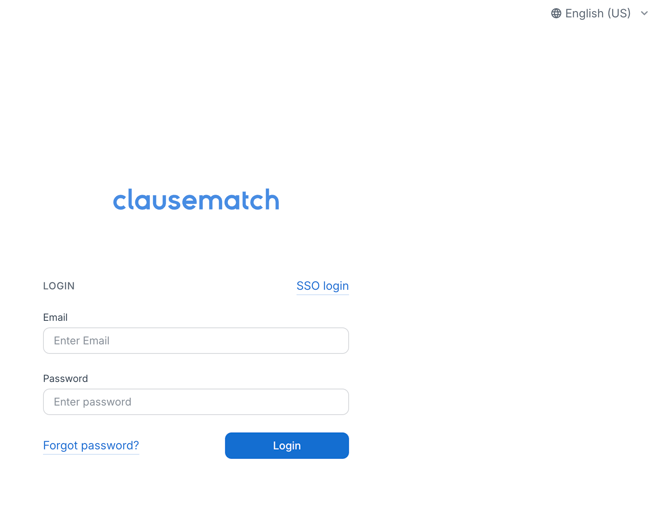
Choose the language of the Clausematch interface to one you are more familiar with.
This choice can be made in 2 locations:
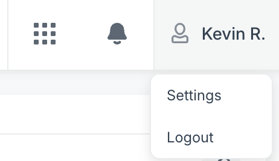
- Your User Settings
- Login Page
- If there is no Silent SSO enabled for your platform
- If there is no Silent SSO enabled for your platform
Notes
- An interface message without a translation falls back to English.
- Document content, metadata values and comments are not translated.